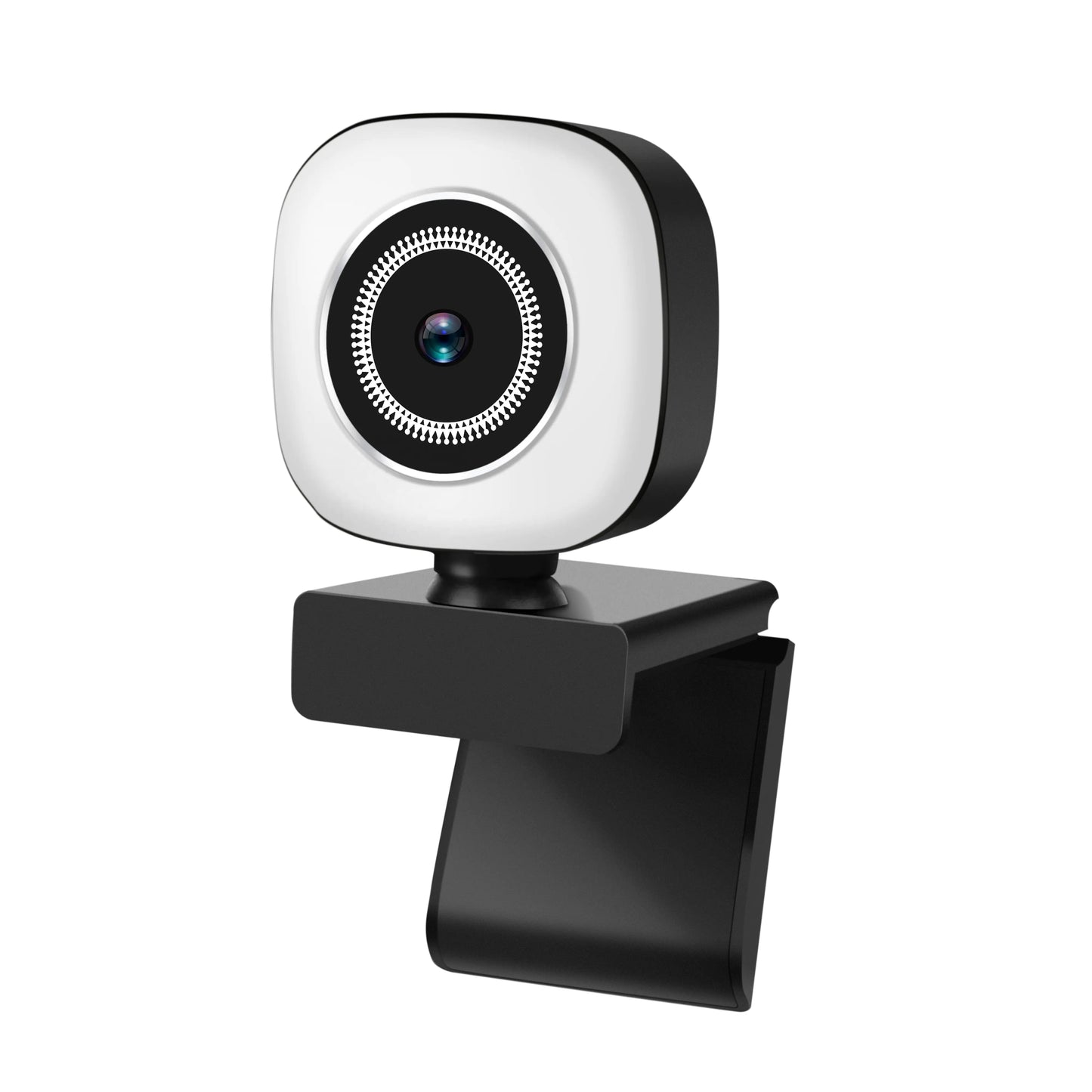
4K Creator Cam with Beauty Ring Light — Fixed Focus, Built-In Mic
4K Creator Cam with Beauty Ring Light — Fixed Focus, Built-In Mic
Couldn't load pickup availability
Level up your streams and calls with a creator-ready 4K USB webcam featuring a soft front ring light, fixed-focus glass lens, and a noise-reduction mic. Plug-and-play on Mac/Windows—no drivers, no drama.
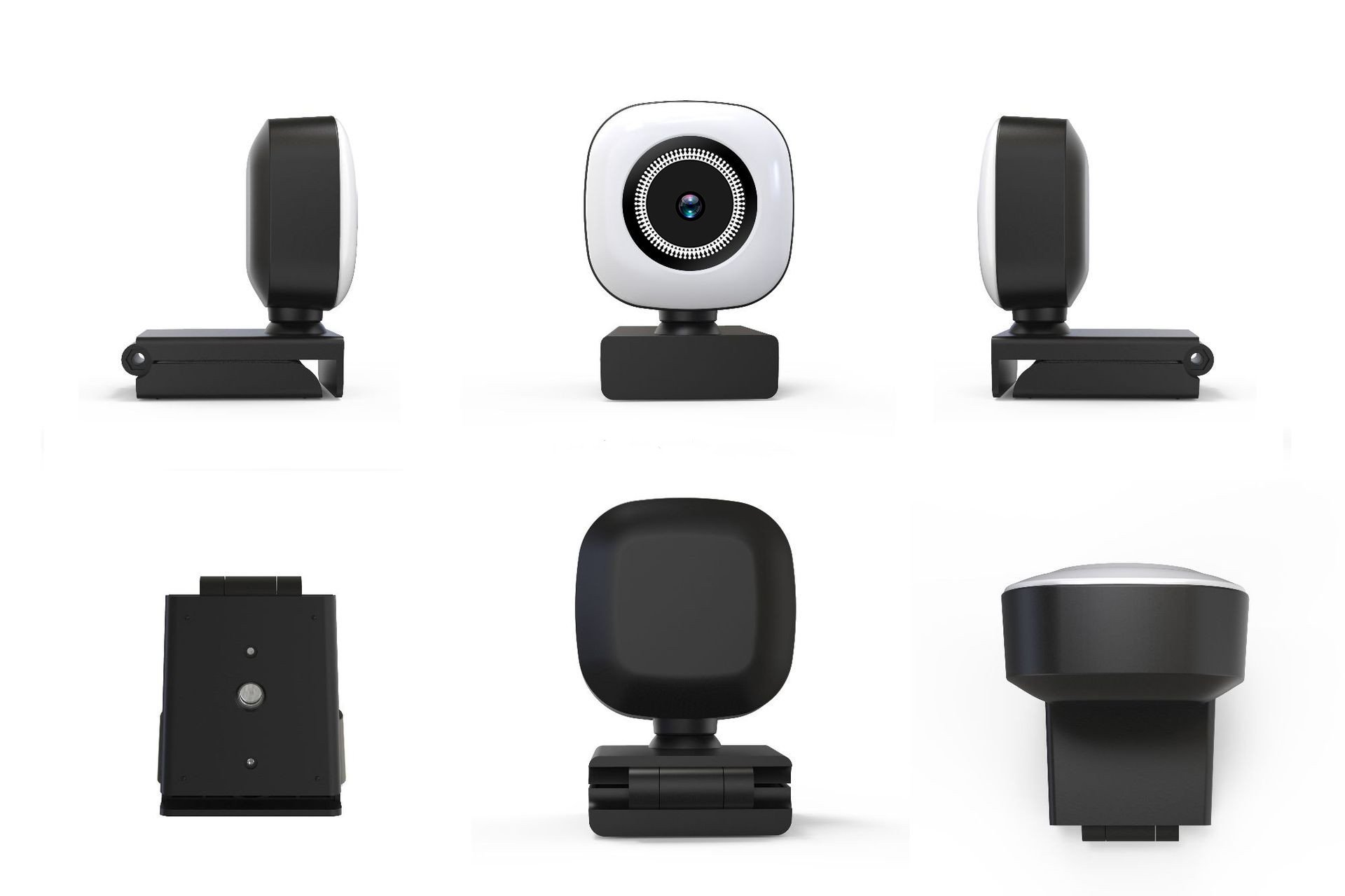
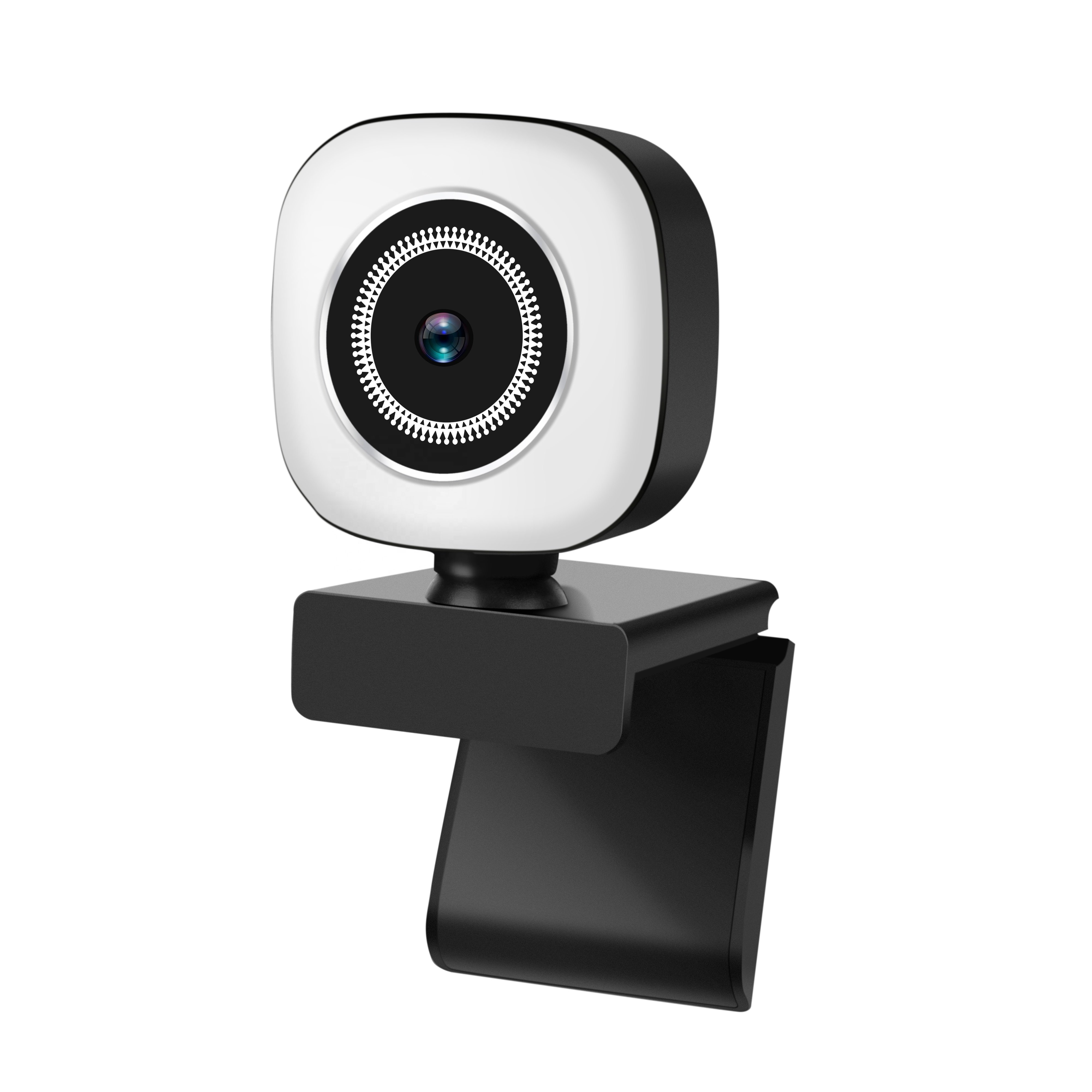
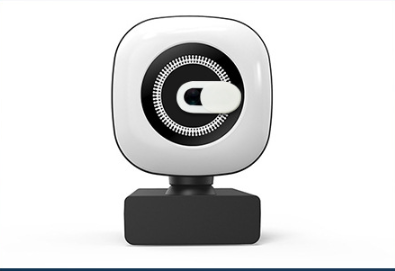
Key Feats.
- Up to 4K output over USB for crisp detail (compatible with major apps)
- Integrated beauty ring light with adjustable brightness for even, flattering fill
- Fixed-focus lens keeps you sharp at typical desk distance
- Noise-reduction microphone for cleaner voice on calls
- USB 2.0 plug-and-play—no drivers required
- Universal monitor clip + 1/4” tripod thread (use with stands/arms)
- Works with OBS, Zoom, Teams, Meet, Discord and more
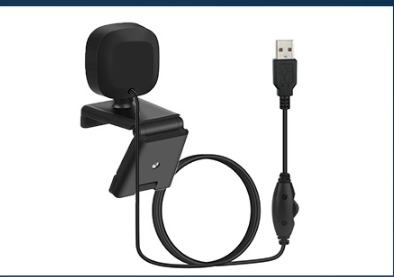
Note: “Up to 4K” reflects app/OS support; some platforms default to 1080p.
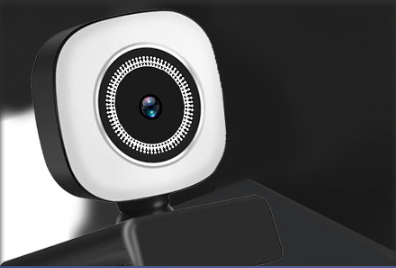
Look pro in every session—without building a studio. This compact creator cam pairs a 4K-capable sensor with a soft front ring light that smooths skin and lifts shadows. The fixed-focus optics are tuned for desk distance, so you stay sharp while you move. A built-in mic cuts background noise, and USB plug-and-play gets you live in seconds. Perfect for creators, coaches, streamers, virtual meetings, and tutorials.
Great for: streaming, content shoots, webinars, sales calls, online lessons, and creator intros.
What’s in the box
- 4K USB webcam with integrated ring light
- Attached USB-A cable with in-line controls
Tech Specs
- Resolution: up to 4K
- Focus: Fixed focus
- Light: Integrated front ring light, adjustable brightness
- Mic: Single noise-reduction mic
- Interface: USB 2.0
- Mount: Universal clip + 1/4” thread
- Compatibility: Mac/Windows/ChromeOS; works with Zoom, Meet, Teams, OBS, Discord, and more
Tips for best results
- Place the cam eye-level; use the ring light at low/medium to avoid glare.
- In OBS/Zoom, set Video → HD/Original Ratio and enable High quality.
- For night shoots, add a small side light to complement the ring light.